Common Questions About Our Services
Explore common inquiries about our services in computer repair and tech support. This section provides quick links to help you navigate your questions easily.
What Types of Computer Issues Do You Fix?
Comprehensive Repair Solutions
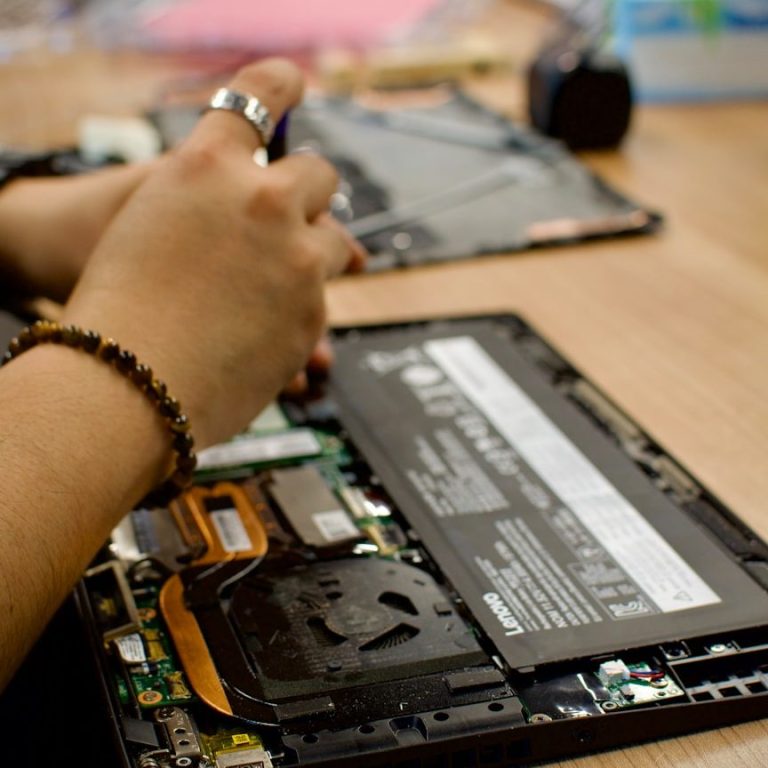
We handle a wide range of computer issues including hardware failures, software bugs, virus removal, and data recovery. Our technicians are equipped to address problems with both PCs and Macs.

How Fast is Your Repair Service?
Timely and Efficient Repairs
Our goal is to provide quick turnaround times for all repairs. Depending on the complexity of the issue, many repairs can be completed within the same day.

Do You Offer Remote Support Services?
Convenient Remote Assistance
Yes, we offer remote support for software-related issues. Our technicians can troubleshoot your problems directly on your machine without needing to be physically present.

What Are Your Prices?
Transparent Pricing Structure
We believe in transparent pricing with no hidden fees. Costs will vary depending on the service provided, and we offer free estimates before starting any work.
Understanding Our Service Details and Policies
At Mandurah Mobile Computer Repairs, we aim to provide you with a seamless and transparent experience when it comes to your computer repair needs. This section offers valuable insights into our warranty policies, competitive pricing, and emergency support options. We believe that being informed helps you make better decisions regarding your computer's maintenance and repair.
Warranty Policies: Peace of Mind with Every Repair
Our repairs come with a standard 90-day warranty. This guarantees that any workmanship or parts replaced during your service are covered for this period. If you encounter issues related to the repair, simply contact us, and we will address the problem at no additional charge.
Transparent Pricing: No Hidden Fees
At Mandurah Mobile Computer Repairs, we believe in honest and clear pricing. We provide our customers with upfront quotes before any work begins, ensuring there are no surprises after your repair is complete. Pricing is based on the specific services required, and we work hard to offer competitive rates within the local market.
Emergency Support Options: We're Here When You Need Us
We understand that computer issues can arise unexpectedly and disrupt your daily life. Our emergency support services are designed to help you get back on track as quickly as possible. When you contact us for urgent repairs, we prioritize your case and aim to resolve it as efficiently as possible.
Service Commitments: Your Satisfaction Is Our Priority
Our commitment to you is rooted in our dedication to quality and customer satisfaction. From the initial assessment to the completion of the repair, we keep you informed every step of the way. We also encourage feedback to continuously improve our services and ensure that we meet your needs effectively.
Mastering Your Tech Troubles
At Mandurah Mobile Computer Repairs, we believe in empowering our customers with the knowledge they need to tackle common tech problems. This section is dedicated to providing you with useful troubleshooting tips and DIY solutions, ensuring you can handle minor issues before reaching out for professional assistance.

Fixing Slow Computers
Speed Up Your Device
A slow computer can be extremely frustrating. Start by checking for unnecessary programs running in the background. Additionally, regular disk cleanup and defragmentation can boost your computer's speed. Remember to keep your software and antivirus updated to protect against malware that can significantly slow down your system.
Resolving Internet Connectivity Issues
Stay Connected
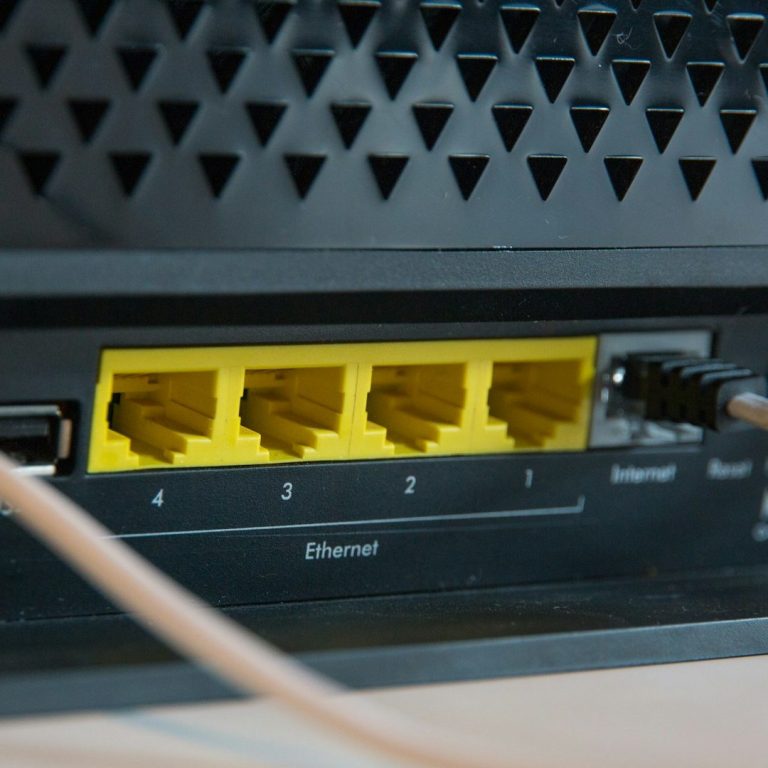
If you're facing issues with your internet connection, the first step is to restart your modem and router. This simple action can often resolve connectivity problems. If the issue persists, check your network settings and ensure that you are connected to the right Wi-Fi network. Checking for outages in your area with your internet service provider can also be helpful.
Troubleshooting Software Installations
Successful Setup
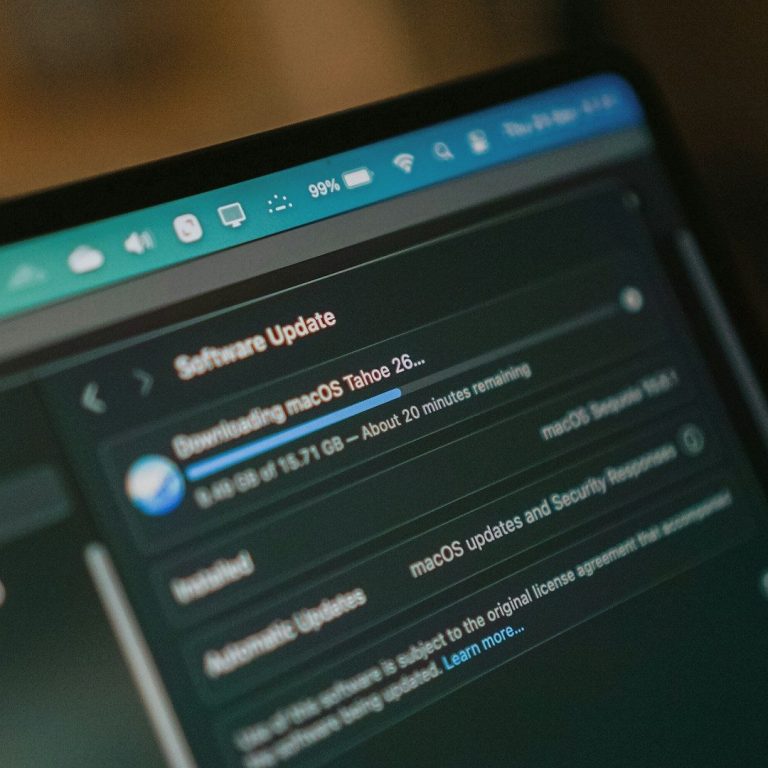
Installation failures can occur due to compatibility issues or corrupted files. Before installing new software, verify that your system meets the requirements. If you encounter errors, try running the installer as an administrator or temporarily disabling antivirus software to prevent interference during the setup.

Backing Up Your Data
Preserve Your Information
Regularly backing up your data protects you from data loss. Use built-in tools like Windows Backup or Time Machine on macOS. Cloud storage options like Google Drive or Dropbox are also excellent ways to keep copies of your essential files accessible from anywhere. Make it a habit to back up your data every few weeks.